Spectrum Outage Zip Code Check: How To See If Spectrum Internet Is Down In Your Area Today
 AND Editorial Team
Go To Official Outage Checker Page Of Spectrum
Many Spectrum customers search “Spectrum outage zip code” when their internet suddenly stops working. The main question is simple. Is Spectrum down in the whole area, or is the problem only inside one home?
As of July 8, 2026, StatusGator reports that Spectrum is currently operational. It also shows recent user reports across several states, with top reported outage locations in North Carolina, Virginia, and Florida. That means there is no clear national outage signal, but local problems can still happen.
This is the most useful point for readers. A “no national outage” message does not mean every Spectrum customer has service. Internet outages often stay local. A cut fiber line, damaged equipment, power issue, storm, or neighborhood maintenance can affect one ZIP code while the rest of the country stays online.
The official way to check an outage is through Spectrum’s own account tools. Spectrum Support says customers can check whether they are in an outage through the outage information and troubleshooting page. Spectrum also tells users to sign in and use the outage check or chat support option when services do not work.
The My Spectrum App is also important. Spectrum says the app can show outages reported in a customer’s area and lets users select “View Outage Details.”
This matters because Spectrum does not only check a ZIP code. It can check the service address on the account. That is more accurate than a public map because two homes in the same ZIP code may sit on different local network paths.
Also Read: U.S. Case Updates June 2026: Latest Court Cases, Lawsuits, Arrests And Legal News
A ZIP code can help, but it is not perfect. A large ZIP code can cover many neighborhoods. Spectrum equipment may serve different streets through different lines, nodes, or local routes. That means one side of a ZIP code can have service while another side stays offline.
This is why users should not stop after one ZIP code search. A better check uses 3 sources. First, check Spectrum.net or the My Spectrum App. Second, check a third-party outage map. Third, ask nearby neighbors if their Spectrum service also fails.
That gives a clearer answer. If your home is the only one without internet, the issue may be modem, router, wiring, account, power, or device related. If several homes lose service at the same time, the issue likely sits outside your home.
Third-party outage maps can help when official systems move slowly. Downdetector, StatusGator, Outage.Report, and similar tools collect user reports. StatusGator says it monitors Spectrum service health over the last 24 hours and collects data points every 15 minutes. It also lists common reported issues such as service down, connectivity issue, slow performance, and server not responding.
These maps are useful, but they are not official repair tools. They show what users report. They do not always confirm the cause.
This is a key difference. A spike on a map can show a real problem before a company statement appears. But it can also mix internet, TV, phone, app, billing, and login problems together.
A “no outage” result does not always mean your connection is fine. Start with the simplest checks. Restart the modem. Restart the router. Check the power cable. Check the coax or Ethernet cable. Try another device. Turn off Wi-Fi on your phone and use mobile data to check Spectrum’s outage page.
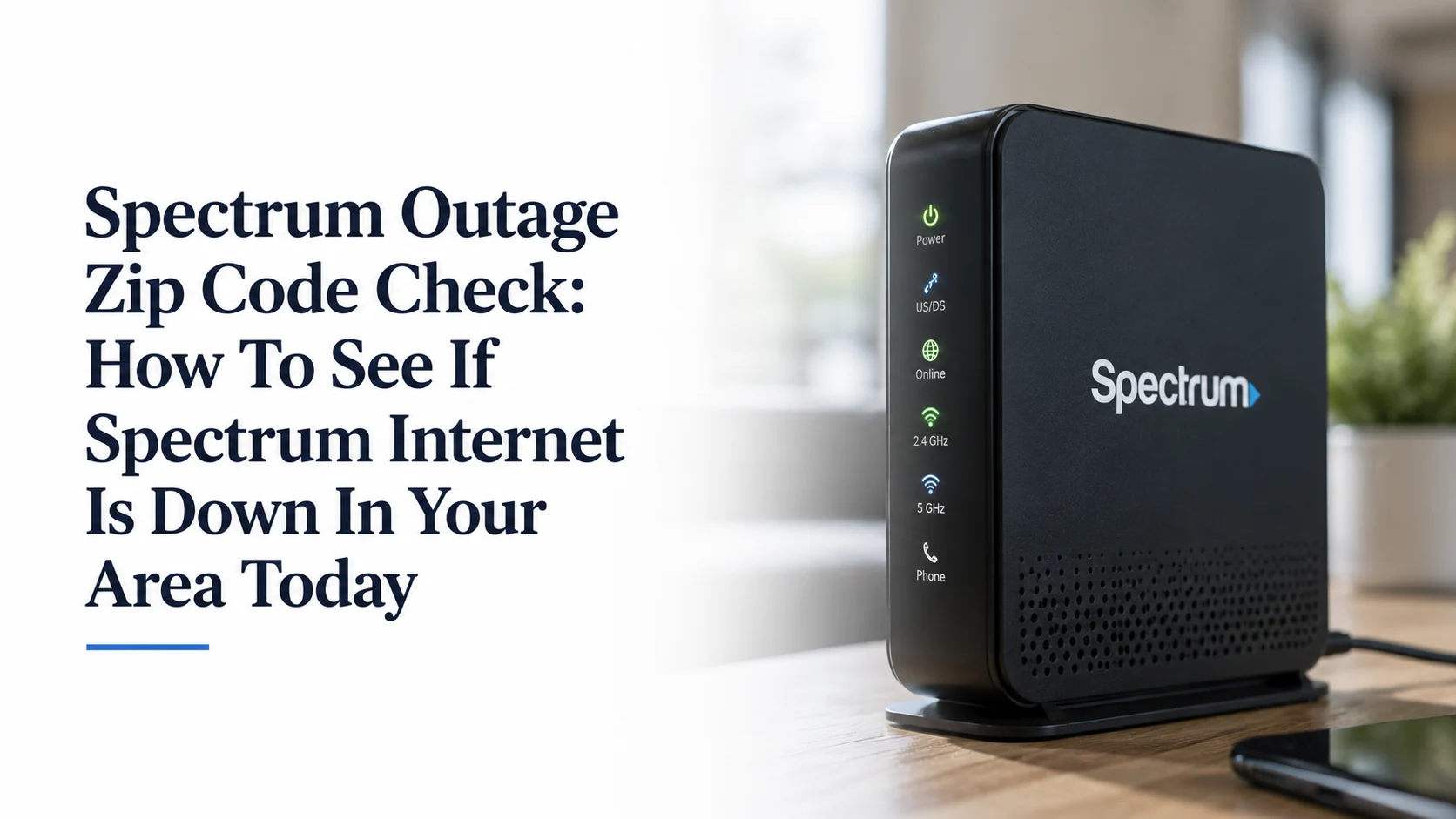
Then look at your modem lights. If the online light keeps blinking or the modem cannot connect, the issue may be outside your device. If the modem stays online but Wi-Fi fails, the router may be the problem.
This simple split helps readers save time. A modem problem often points to Spectrum service or line issues. A Wi-Fi-only problem may sit inside the home.
The My Spectrum App can give a more direct answer because it connects to the customer account. Spectrum says the app can show outage alerts in the user’s area. It also lets users view outage details.
This matters because public maps use reports from many people. The app can tie the issue to the service address. It may also show an estimated restoration time when Spectrum confirms a local outage.
But users should still remember one thing. Estimated restoration times can change. A repair may take longer if crews find damaged fiber, power problems, storm damage, or blocked access to equipment.
Restoration times can frustrate customers because they often move. A repair crew may first see one clear issue. Then it may find a second issue after the first fix. A storm may also damage power equipment that Spectrum needs. A cut fiber line may require digging, splicing, permits, or safe access.
This is why a repair time can shift from 1 hour to several hours. It does not always mean the company gives fake information. It can mean the field problem changes as crews work.
For readers, the practical step is simple. Take screenshots of each outage alert and each restoration estimate. This helps if you later contact support for a credit or complaint.
Customers can use a simple 5-step check. First, check if power works in the home. Second, restart the modem and router. Third, test more than one device. Fourth, check Spectrum.net or the My Spectrum App. Fifth, check neighbors or a third-party outage map.
If only one laptop fails, the laptop may be the issue. If every device fails but the modem looks online, the router may be the issue. If every device fails and the modem cannot connect, the issue may be Spectrum service, local cable line, or outside equipment.
This section gives the reader real value because most outage pages only say “check the map.” But many users need to know what the evidence means.
A Spectrum outage may not always start with Spectrum equipment. Spectrum’s storm center explains that if local power is out, the local utility must restore power to the home or business and to the Spectrum network in that area.
This matters after storms. A customer may have power at home, but a nearby Spectrum network device may still sit without power. In that case, the modem may not connect even though the house lights work.
That is why storm-related internet outages can feel confusing. The home may look normal, but the neighborhood network may still need utility restoration.
Customers should track outage time if the outage lasts several hours. Spectrum’s annual customer notice says the company provides proportionate credit for qualifying outages that last 4 or more consecutive hours when the customer reports the interruption and requests credit within 60 days after the outage ends.
This is a valuable detail many outage articles miss. Credits may not always happen automatically. Customers may need to ask. A simple record helps. Write down the outage start time, outage end time, ticket number, chat transcript, and screenshots from the My Spectrum App. Then contact support and ask whether the outage qualifies for a credit.
Customers should keep the message short and clear. They can say: “My Spectrum internet is down at my service address. The outage starts around this time. I already restarted the modem and router. Please confirm if this is a known outage and give me the repair estimate.”
If the outage lasts long enough, they can later say: “My service was out for more than 4 consecutive hours. Please review my account for an outage credit.”
This works better than a long complaint because support needs clear facts. The best details are account address, ZIP code, outage start time, devices affected, modem status, and any app alert.
Spectrum offers internet, TV, mobile, and home phone services under the Spectrum brand. A local network problem can affect more than one service. A cable line issue may stop internet and TV. A network outage may also affect home phone service. A mobile issue may be different because mobile service uses a separate wireless network path.
This is why users should check which services fail. If internet, TV, and home phone all fail at once, the issue may be a wider service problem. If only one app or one device fails, the problem may be smaller.
Before reporting an outage, check a few basic things. Look at the modem lights. Check the router power. Make sure cables are tight. Check if the bill is current. Try another device. Check if Spectrum TV or home phone also fails.
Then report the issue through Spectrum.net, the My Spectrum App, chat, or phone support. Spectrum’s contact page says internet customer service is available 24/7.
This step matters because support may not open the right ticket if the problem looks like an in-home issue. Clear testing helps them decide whether the fix needs a remote reset, technician visit, or local outage repair.
The current picture does not show one confirmed nationwide Spectrum outage. StatusGator reports Spectrum as operational as of its July 8 status check, while also showing user reports from several states.
That means customers should treat the issue as local until proven otherwise. If your Spectrum service is down, do not rely only on a national headline. Check your service address. Check your ZIP code. Check the My Spectrum App. Check a third-party map. Then save proof if the outage lasts several hours.
The main lesson is simple. A Spectrum outage by ZIP code is only the first clue. The best answer comes from your service address, your nearby neighbors, and the official outage tools tied to your account.
Customers should keep checking the My Spectrum App or Spectrum.net for area alerts. They should also watch for restoration-time changes if Spectrum confirms an outage.
If the outage lasts more than a few hours, customers should document the downtime. If it affects work, school, medical devices, security systems, or home phone service, they should also consider a backup connection such as mobile hotspot service when available.
For readers searching “Spectrum outage zip code,” the answer is clear. A ZIP code check helps, but it does not tell the whole story. The most accurate check uses Spectrum’s official tools, your service address, nearby user reports, and basic home troubleshooting.